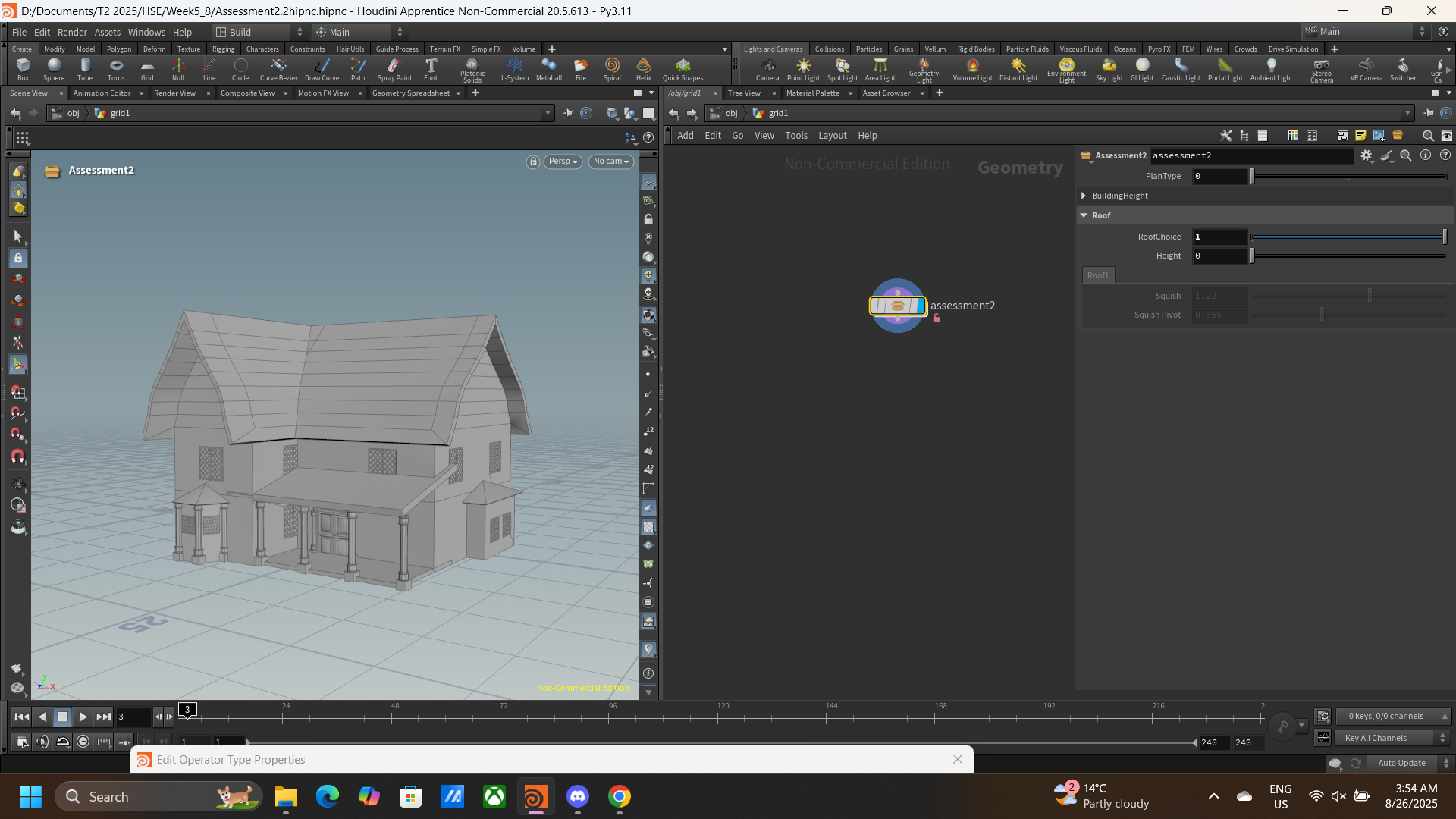
Process of Gothic House 3D Model Creation
Gothic House 3D creation is a classwork project aim to learn how to make an editable 3D model as an asset for game.
Moodboard/Reference

Layouts
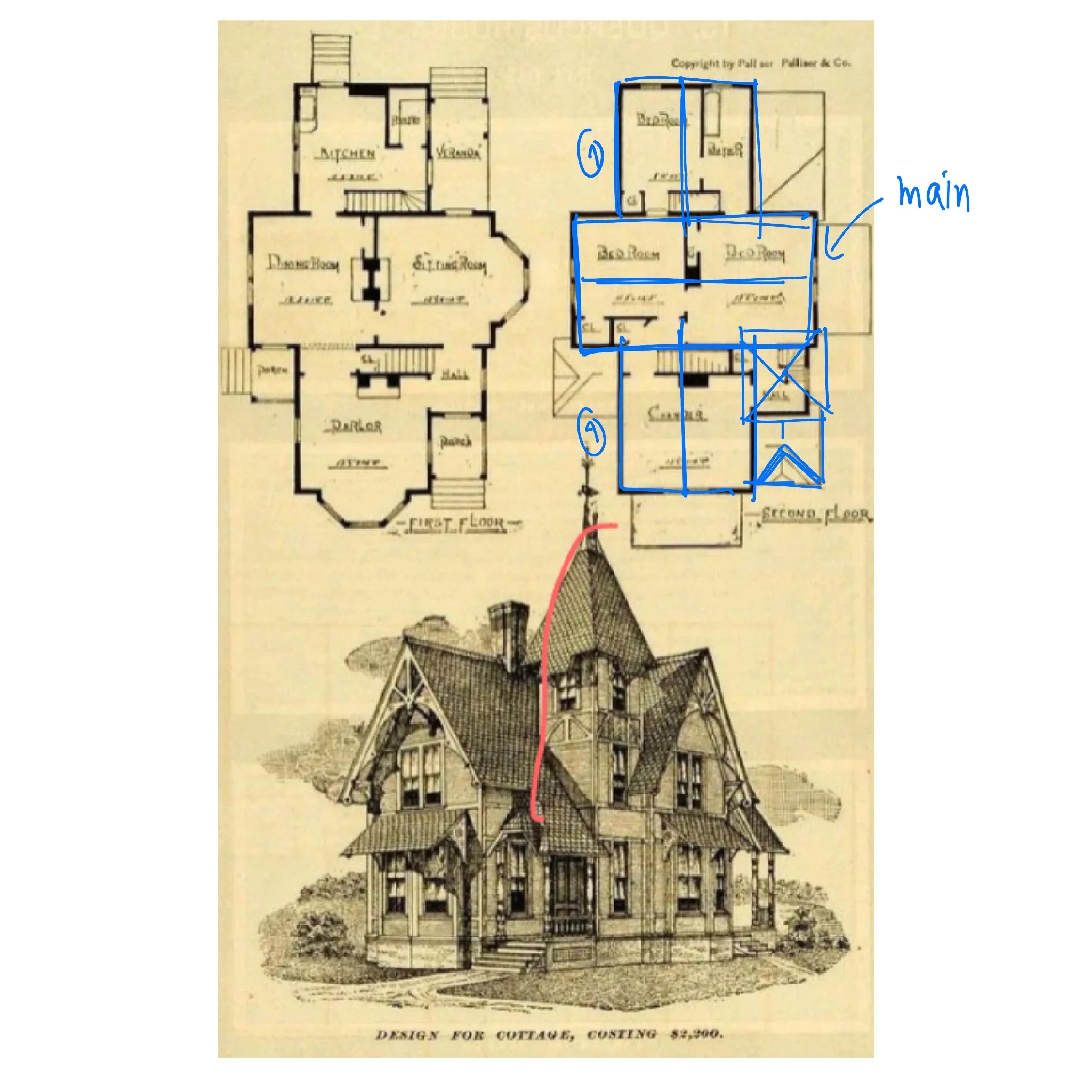
4 rooms, 2 non-rectangular shape areas, 2 porches, 1 veranda and 2 small areas
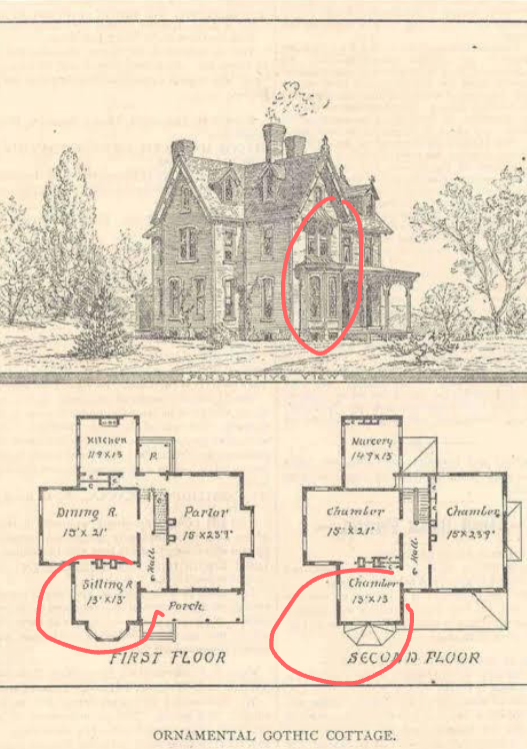
4 rooms, 1 porch, 1 small area and 1 extrude window (non-rectangular shape)
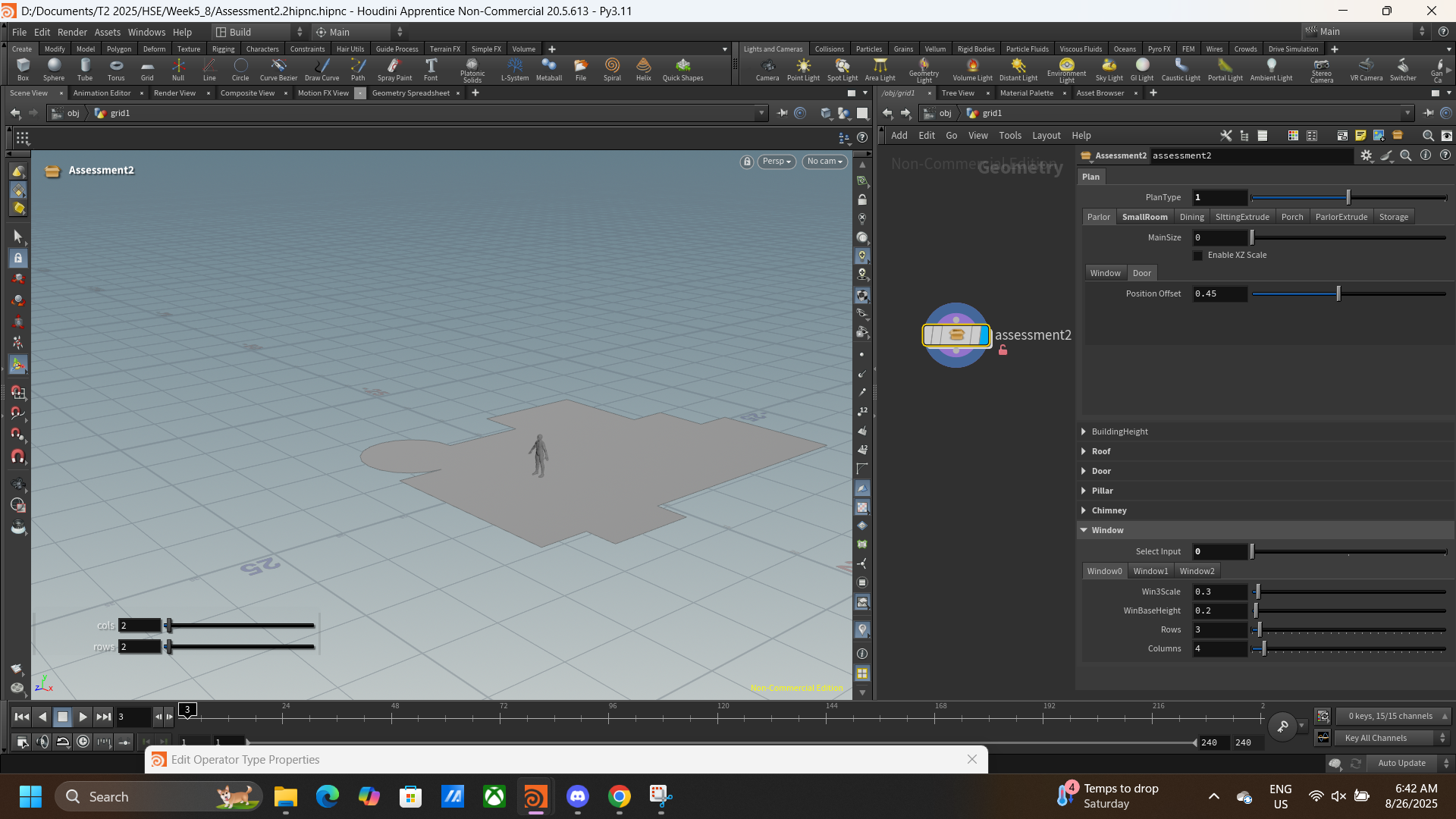
Layouts based on reference above
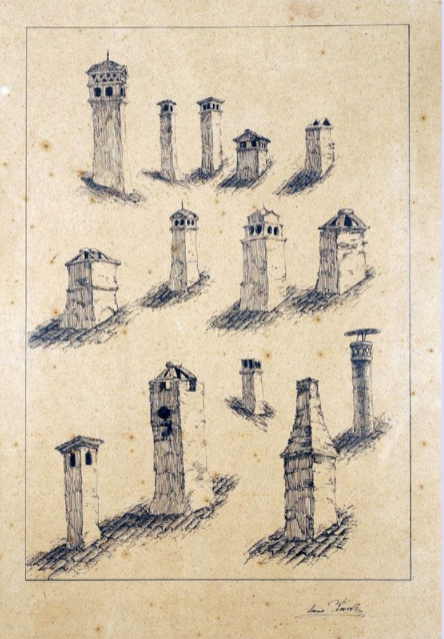
Chimney
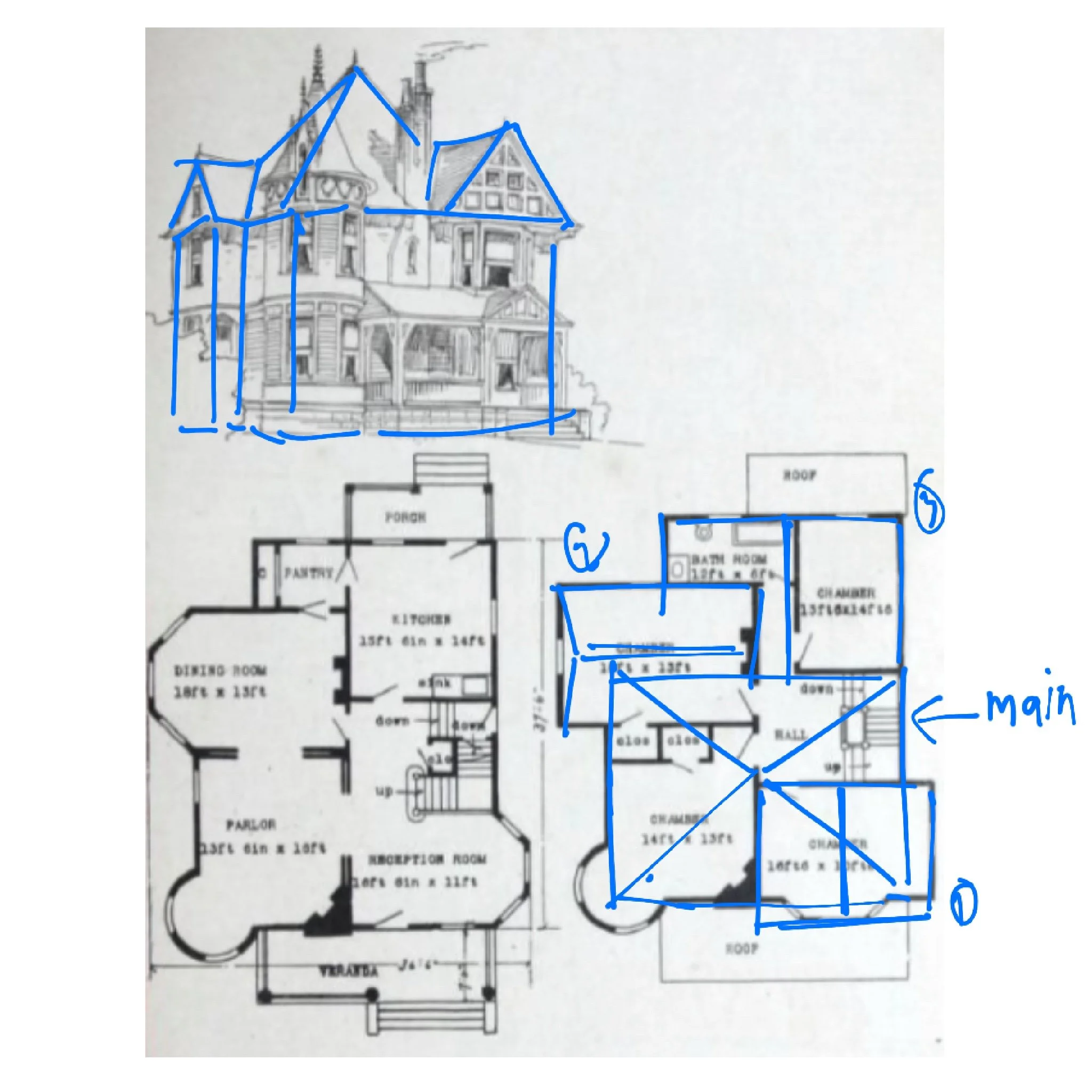
4 rooms, 3 non-rectangular shape, 1 porch, 1 veranda and 1 small area
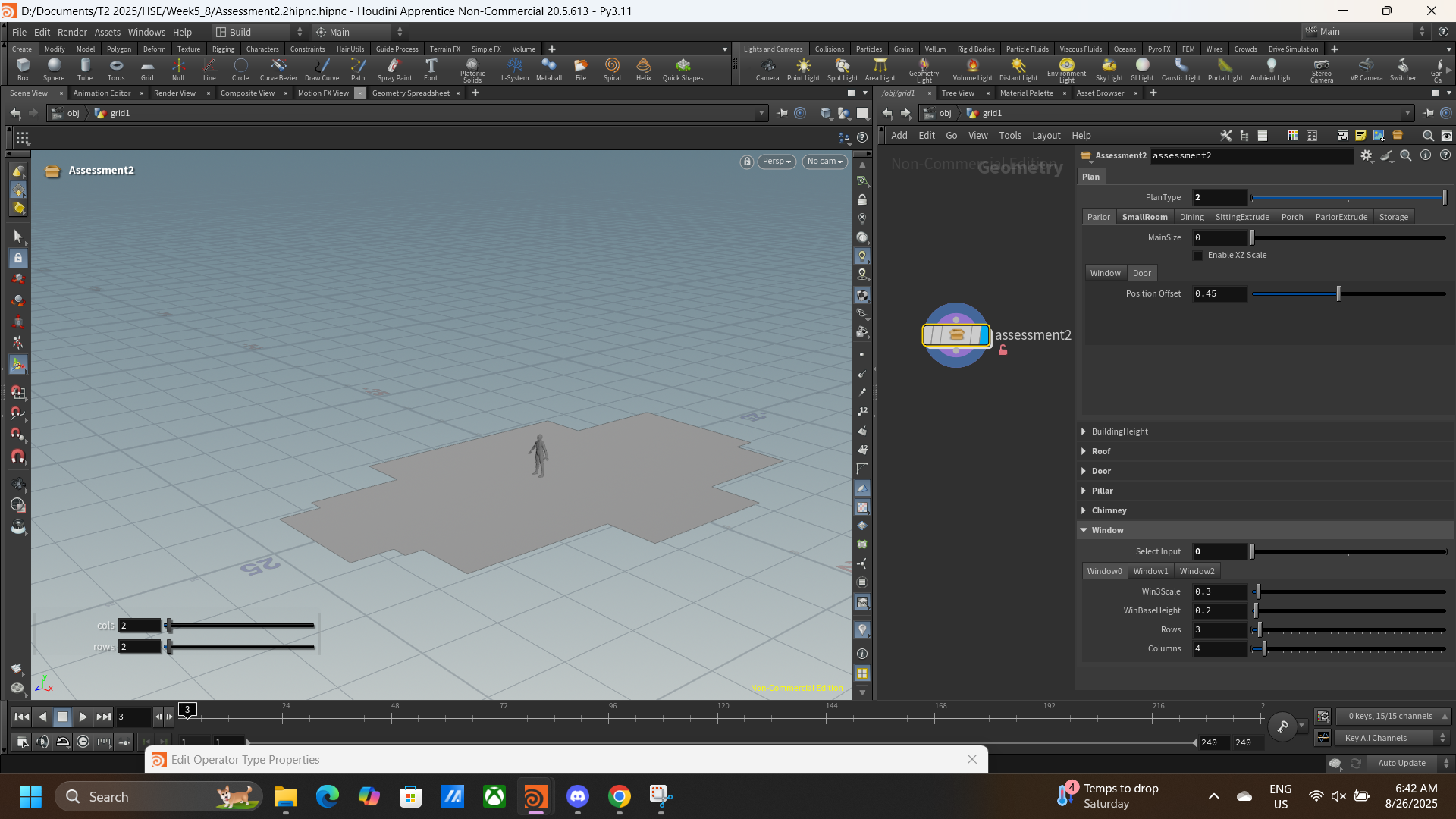
Door
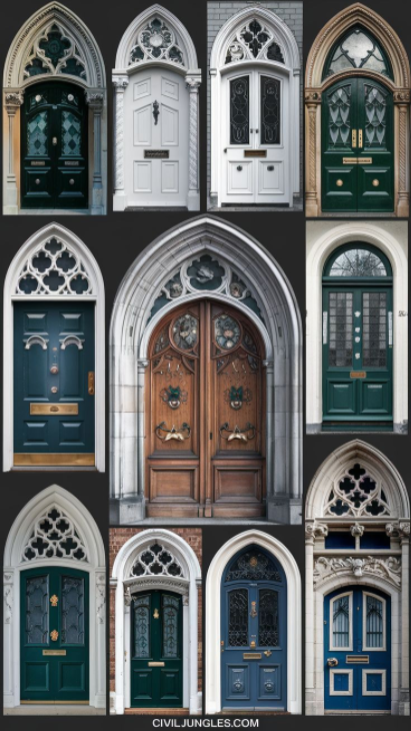
Doors References
I spend quite overtime with the door, as I want to be able to do the door with curve shape like the middle door shown above. I try multiple method, but most of it have the same outcome that is when you try to extrude the face the upper curve part and the bottom will make a separate extrude.
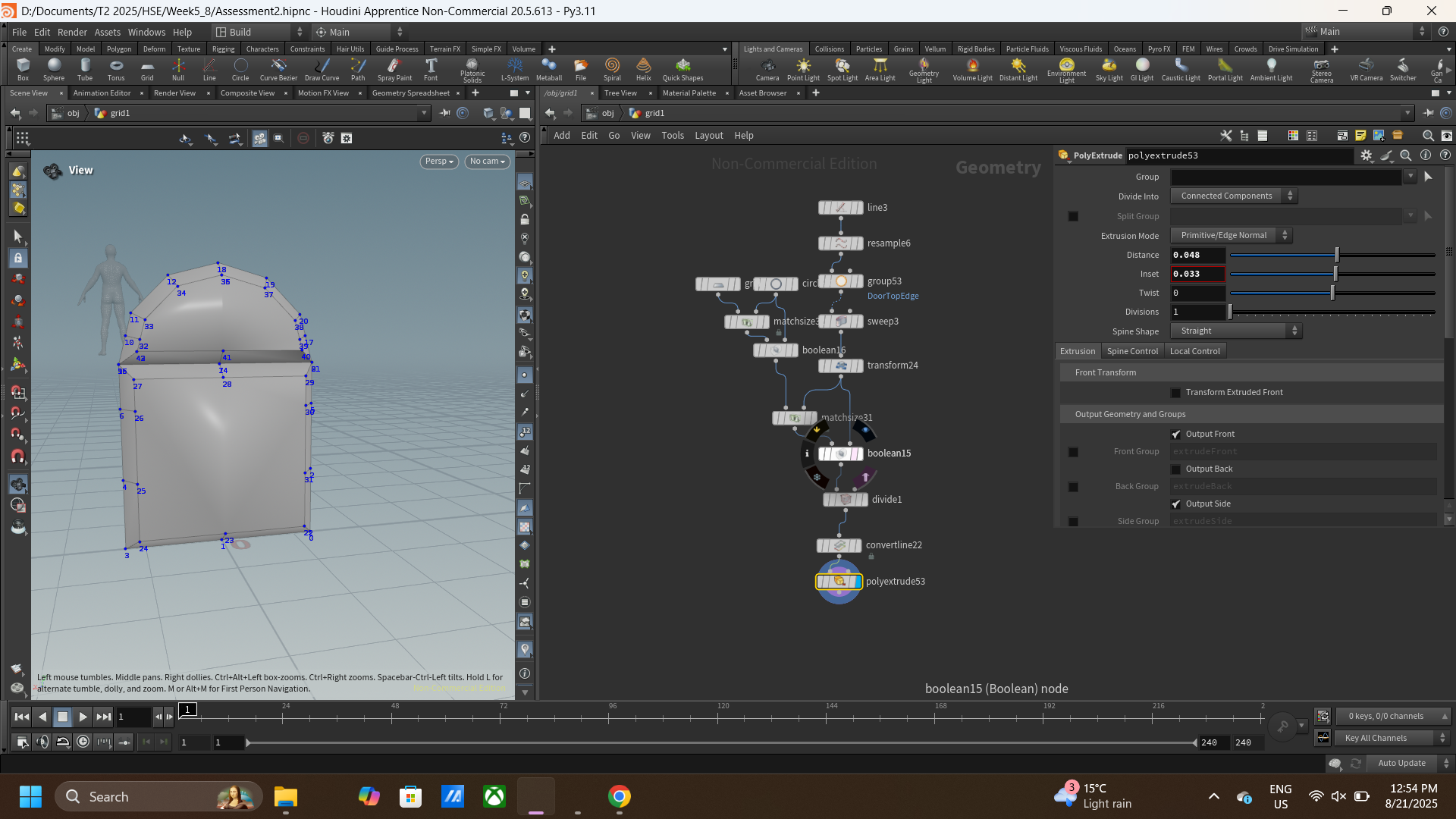
As I try numerous ways, I’ve found new problem in every method I try. When I’ve found way to extrude the whole door, I’ve got new problem which is it won’t move in neatly as I want, so I need to find the way to solve it.
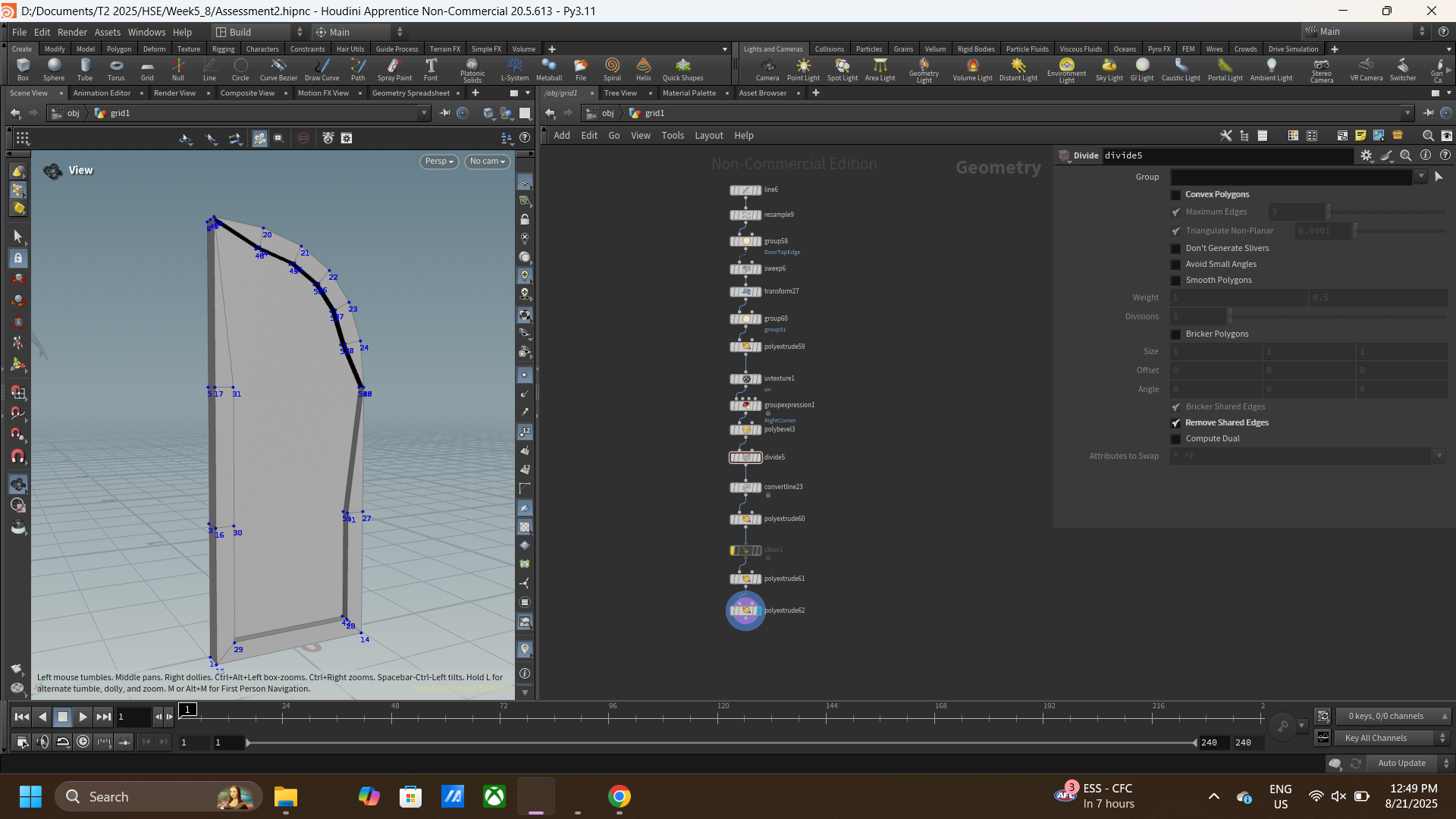
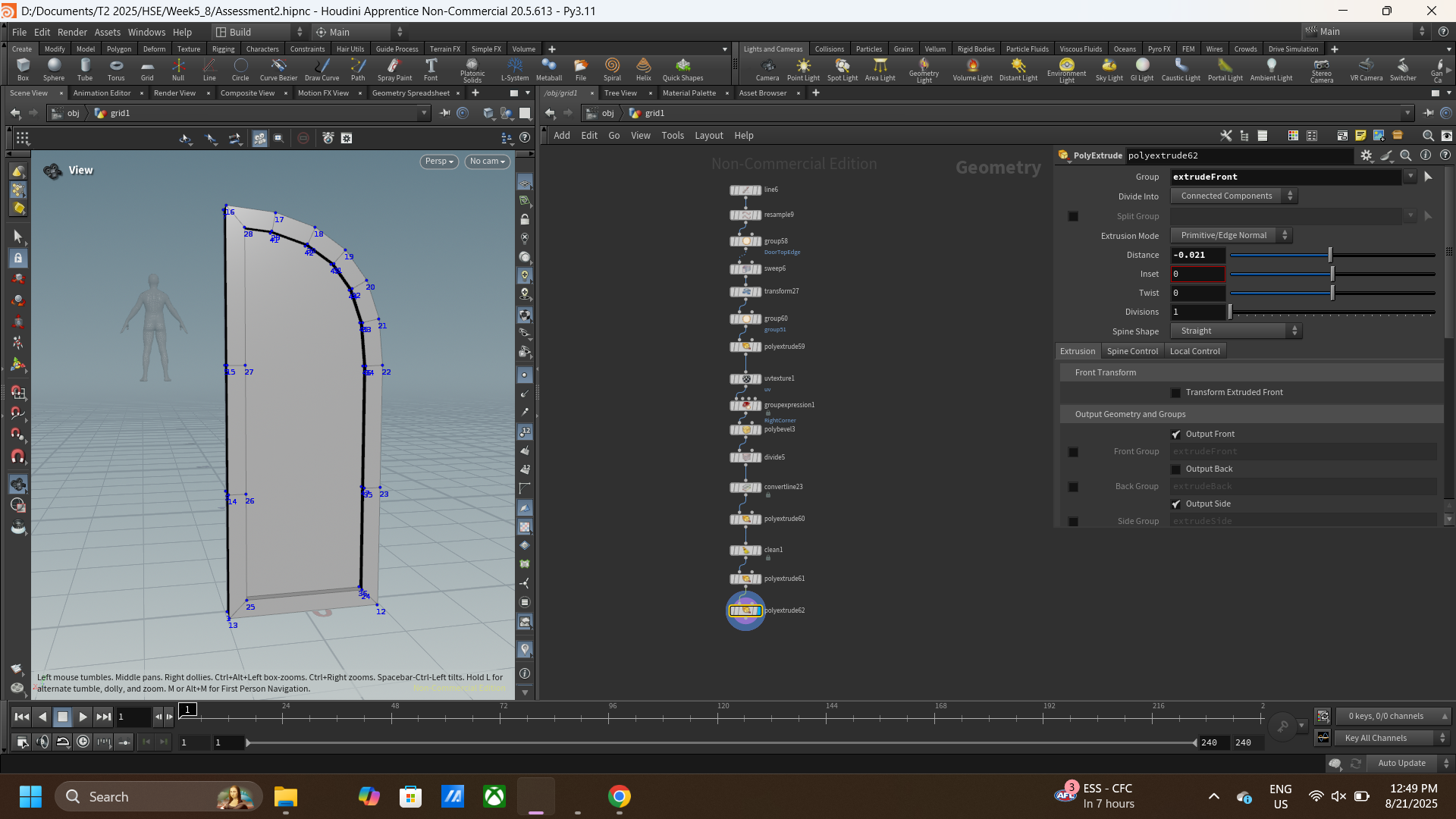
Finally, I remember that in class you mentioned about cleaning it later, even I’m not really know how to clean it up, I think it may do something with the clean node so I try using it. At first, it doesn’t seem to have something different but after try to adjust every ability the node have I finally be able to make it happen!
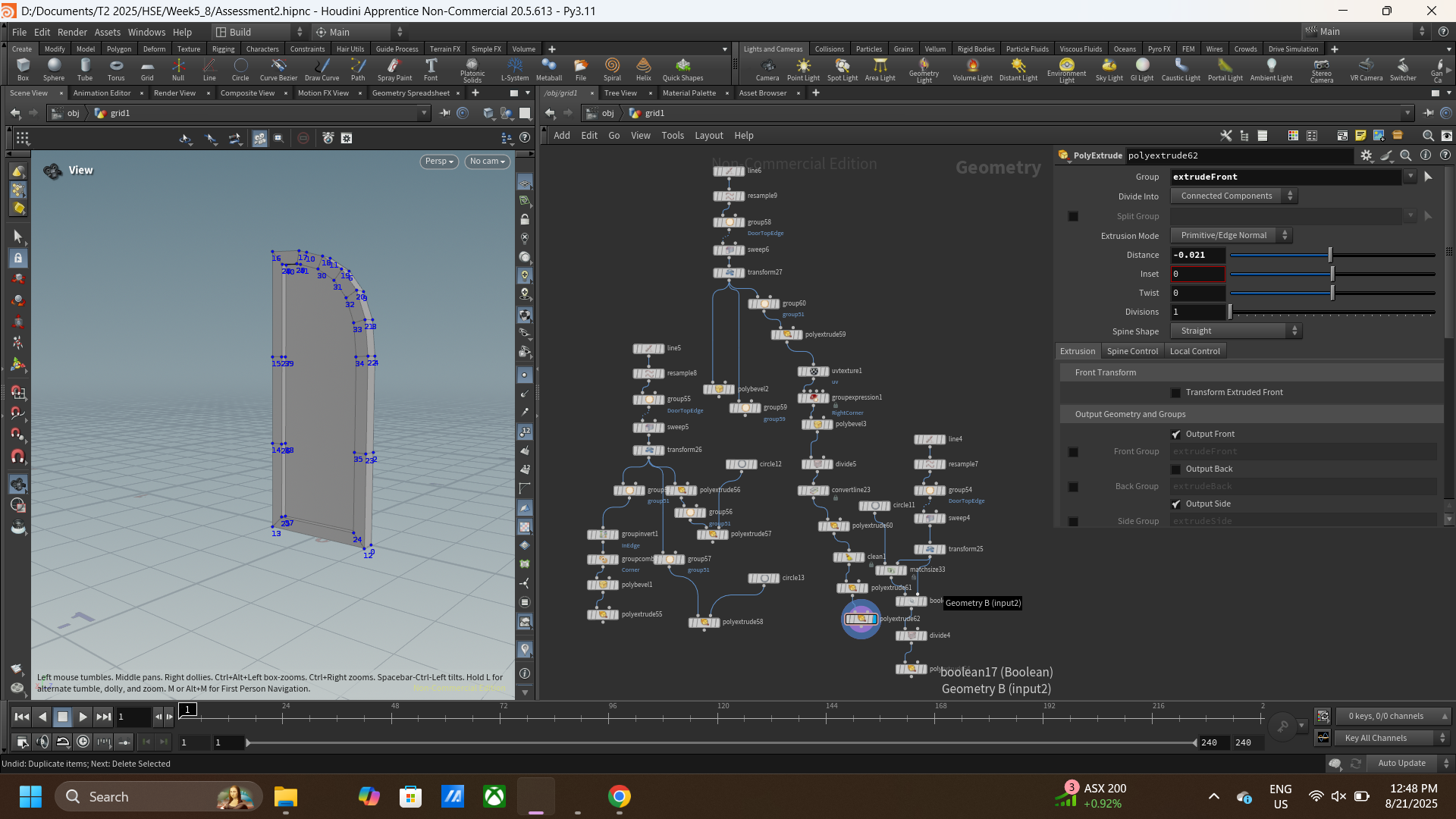
(Before I got the final node that look this neat my working space is kind of messy)
Window
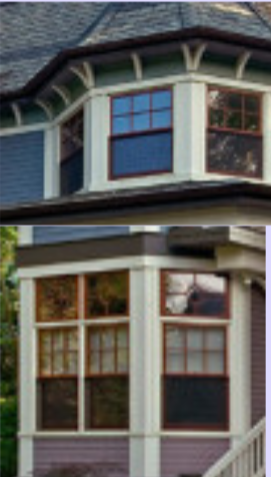
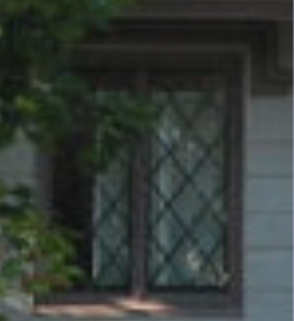
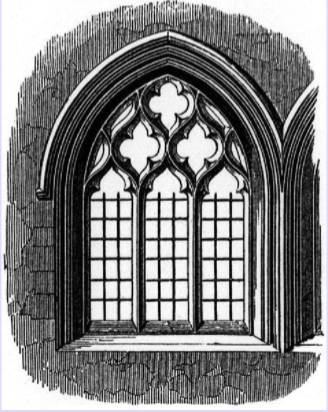
Window references
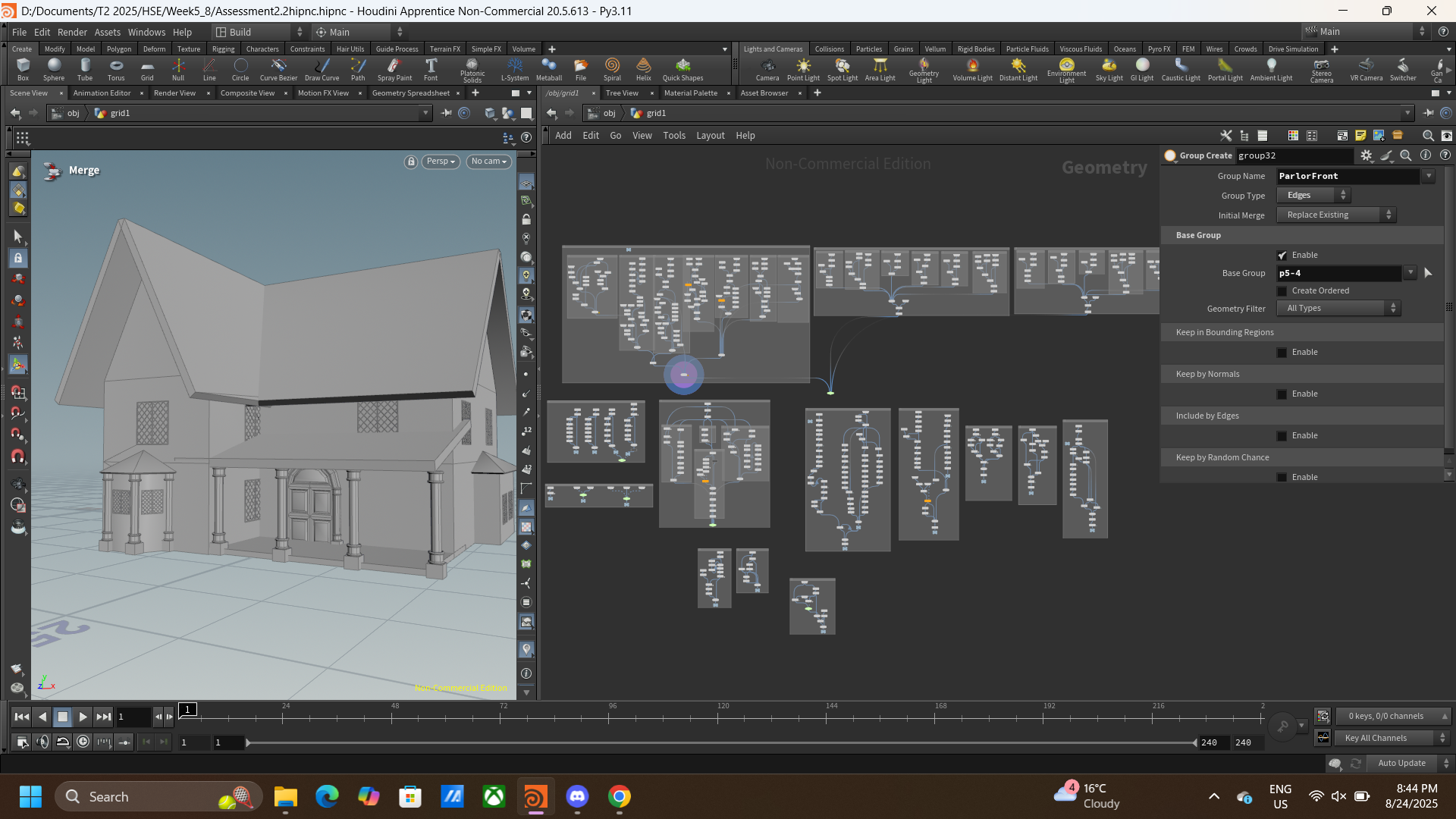
This is the overview of what I’ve got so far (almost the final stage)